

SMTP configurations
STMP configurations are used to send emails.
Overview
The SMTP configurations overview show all configuration and some details about them.
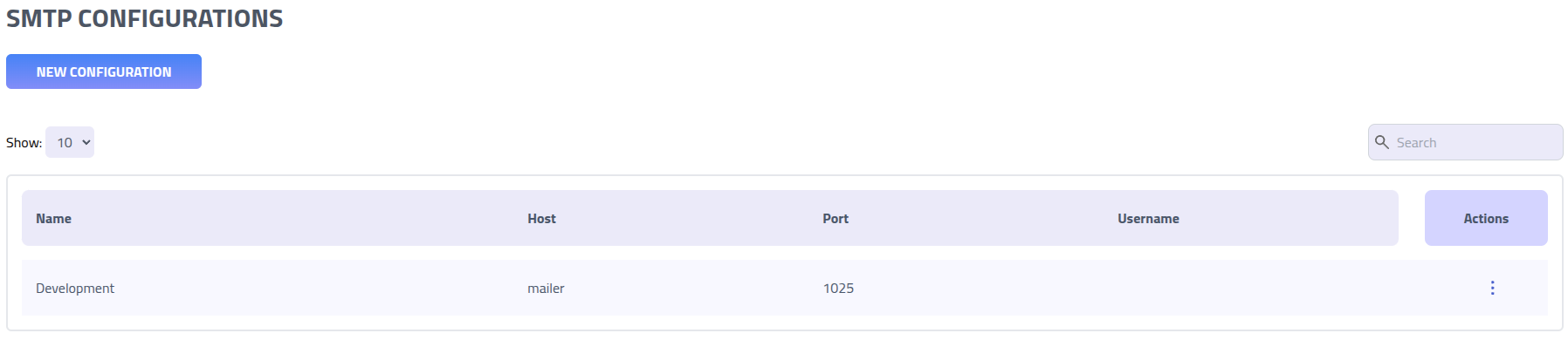
Create SMTP configuration
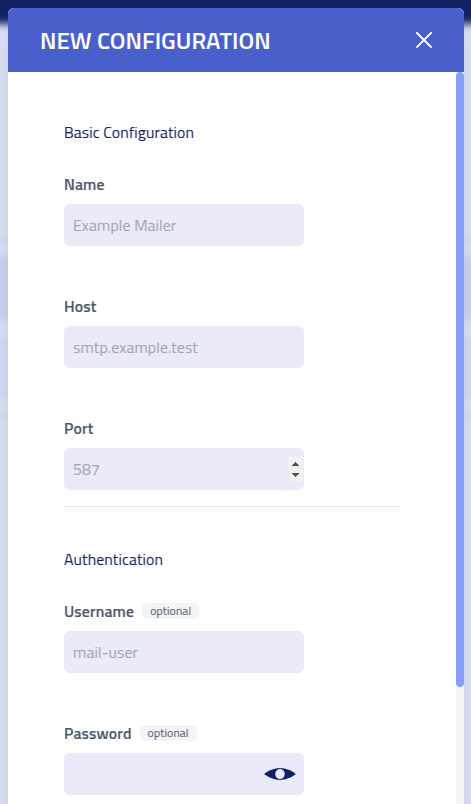
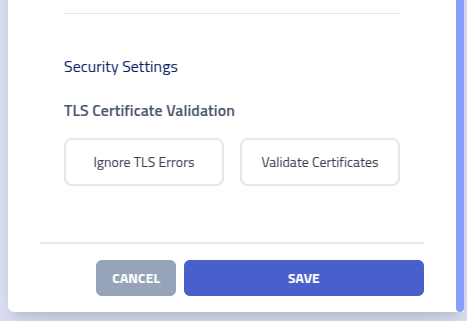
| Setting | Description |
|---|---|
| Configuration Name | Identifier |
| SMTP Host | Mail server hostname or IP address for email transmission (e.g., smtp.gmail.com, mail.company.com) |
| SMTP Port | Server port for email submission. Common ports: 587 (STARTTLS), 465 (SSL/TLS), 25 (standard) |
| Username | |
| Password | Authentication password or application-specific token for server access |
| TLS Validation | Certificate validation settings. Disable only for internal servers with self-signed certificates |
Custom Headers
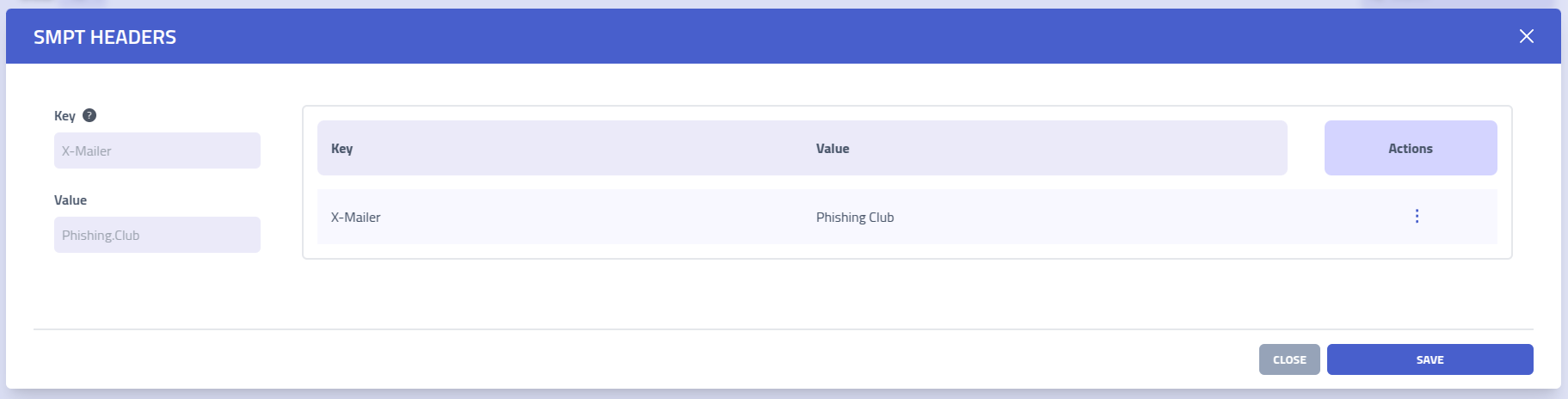
Add custom headers by specifying the header Key and corresponding
Value, then click Save to apply the configuration.
Header values support the same template variables and functions as the email body, so
each recipient can receive a per recipient value. For example
X-PhishingClub-Report: {{.ReportURL}} embeds a ready-to-call link for the
phishing report endpoint, resolved to the
recipient's campaign domain. See
Emails: Template Variables for the full list.
Phishing Report Endpoint
The phishing report endpoint lets a recipient mark a phishing message as reported, for example through a mail add-in or a report button, so their report is recorded against the campaign. It complements the manual reported-recipients CSV import available on the campaign page.
The endpoint lives on a randomised path that is generated once per instance so it can not be
predicted or fingerprinted. It is served on your campaign domains in the form
https://<campaign-domain>/<report-path>/report?rid=<rID>.
Setup
Because campaigns can use different sending domains, the recommended approach is the
{{.ReportURL}} variable, which resolves to the full report link on the
recipient's campaign domain. Add a custom header to the SMTP
configuration used by the campaign, for example
X-PhishingClub-Report: {{.ReportURL}}. A report button or add-in then reads
that header from the delivered mail and calls the link directly, with no need to know which
domain was used.
Alternatively, expose only the recipient token with
X-PhishingClub-RID: {{.rID}} and have the reporter build the URL itself as
https://<campaign-domain>/<report-path>/report?rid=<token>. See
Emails: Template Variables for the full list
of variables.
A report is recorded once per recipient; repeated calls are ignored, and reports for closed campaigns are not recorded. Reported recipients appear in the campaign results alongside opens, clicks and submissions.